Patient Communication
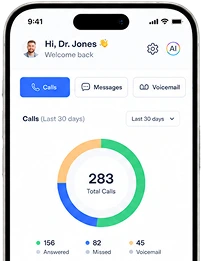
PhonesAI deskphones that answer and book
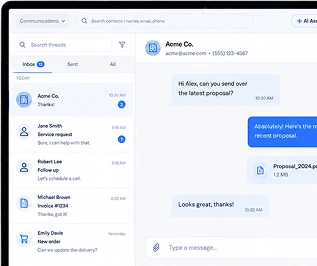
TextingTwo-way, AI-assisted, missed-call text back
RemindersMore on-time appointments
Mobile AppYour office line, anywhere
Scheduling & Intake
SchedulingPatients book themselves, 24/7
Digital FormsNo more paper intake
Billing & PaymentsText to pay, wallets, deposits
Patient-Facing AI
Voice AIAnswers every call and booksAI Texting & ChatSMS and web chat, answered in secondsInsurance AI“Do you take my insurance?” answeredMedical Answering ServiceAfter-hours and overflow, booked into your EMRPractice-Facing AI
Review Reply AIEvery review answered in your voiceAI Content WriterPages, blogs, and campaigns draftedAI Follow-UpWorks your no-shows and cold leadsStart here
AI Front DeskHow the agents work togetherAnswering by SpecialtyDental, mental health, podiatry, and 30 moreAI ScribingComing soonAmbient notes in your EHR