Patient Communication
PhonesAI deskphones that answer and book
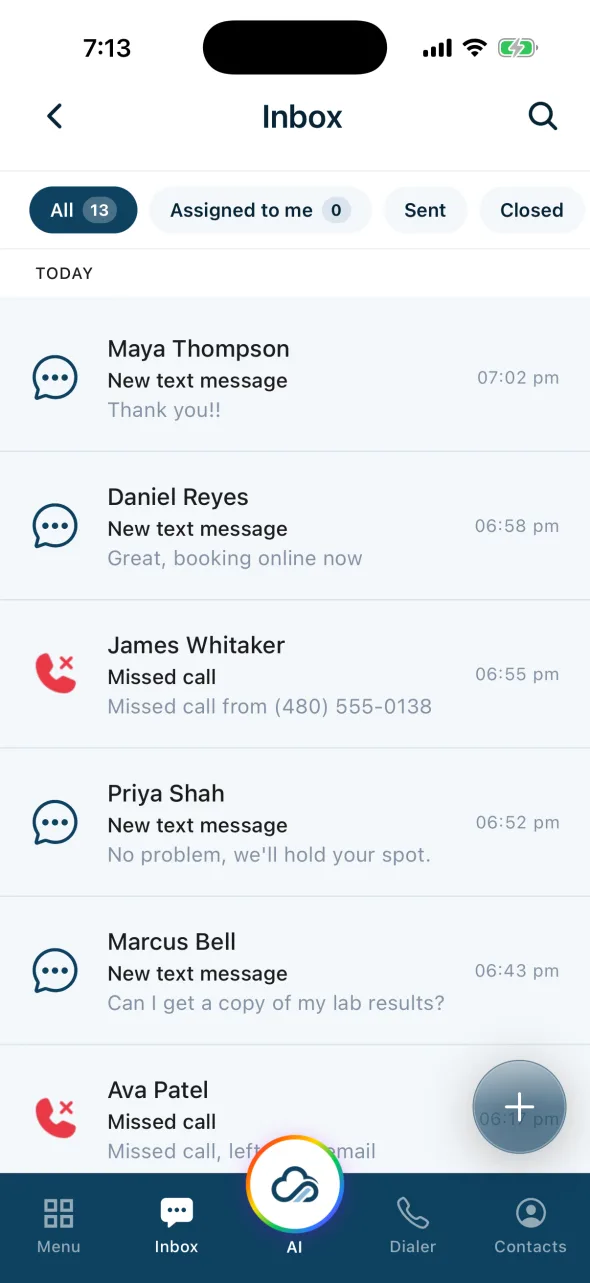
Unified InboxTexts, calls, eFax, email and DMs in one place
Call CenterPhone menus, queues and AI overflow
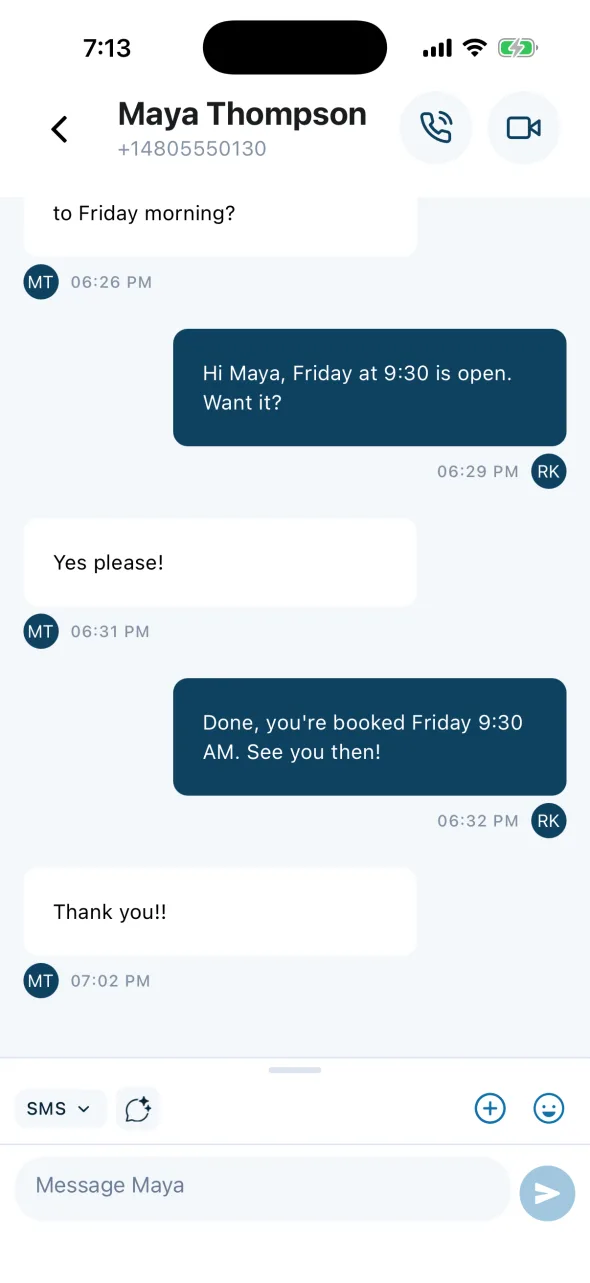
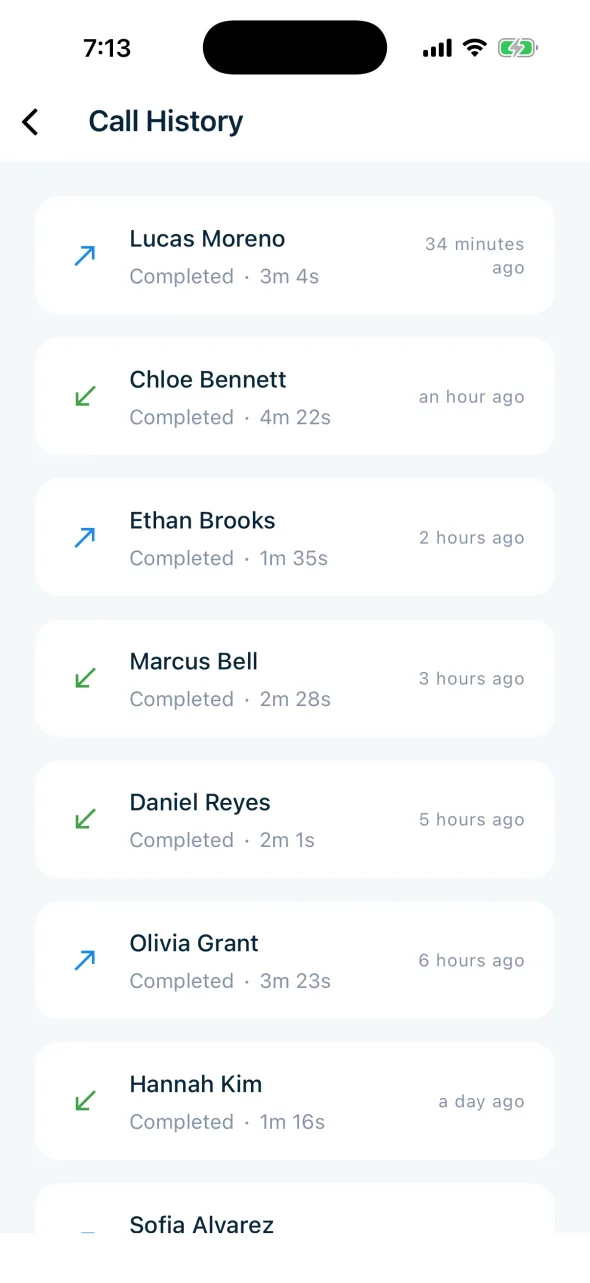
Mobile AppYour office line, anywhere
Scheduling & Intake
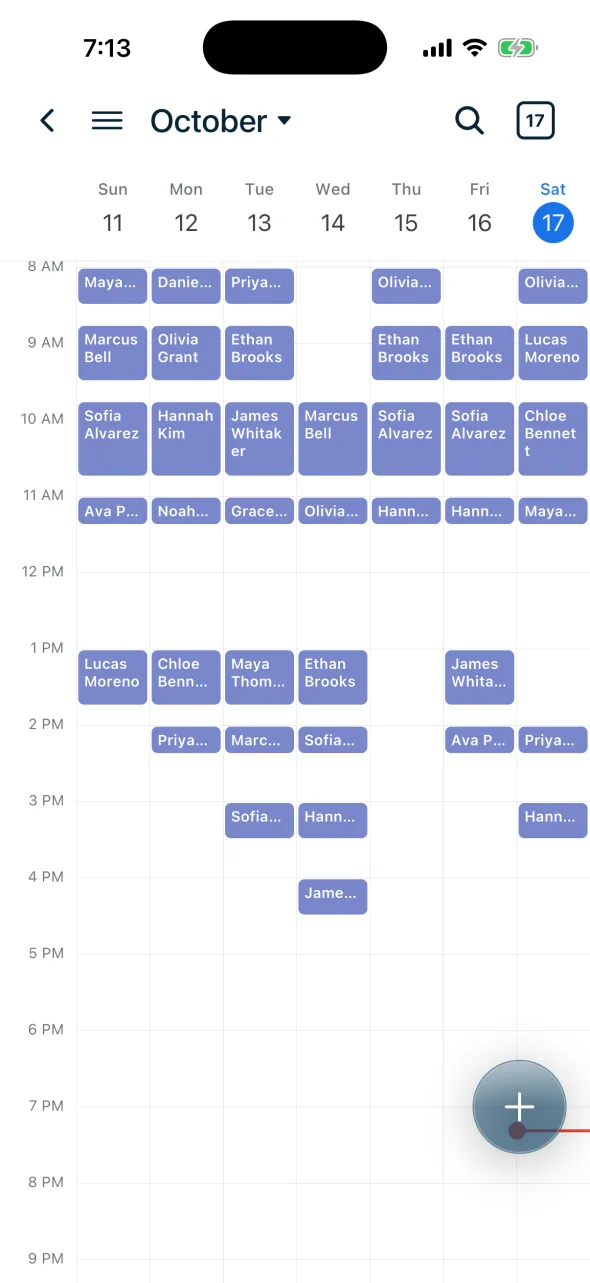
SchedulingPatients book themselves, 24/7
RemindersMore on-time appointments
Digital FormsNo more paper intake
Billing & PaymentsText to pay, wallets, deposits
Patient-Facing AI
Voice AIAnswers every call and booksAI Texting & ChatSMS and web chat, answered in secondsMedical Answering ServiceAfter-hours and overflow, booked into your EMRPractice-Facing AI
Review Reply AIEvery review answered in your voiceAI Content WriterPages, blogs, and campaigns draftedAI Follow-UpWorks your no-shows and cold leadsInsurance AIEligibility checked before the visitStart here
AI Front DeskHow the agents work togetherAnswering by SpecialtyDental, mental health, podiatry, and 30 moreAI ScribingComing soonAmbient notes in your EHR