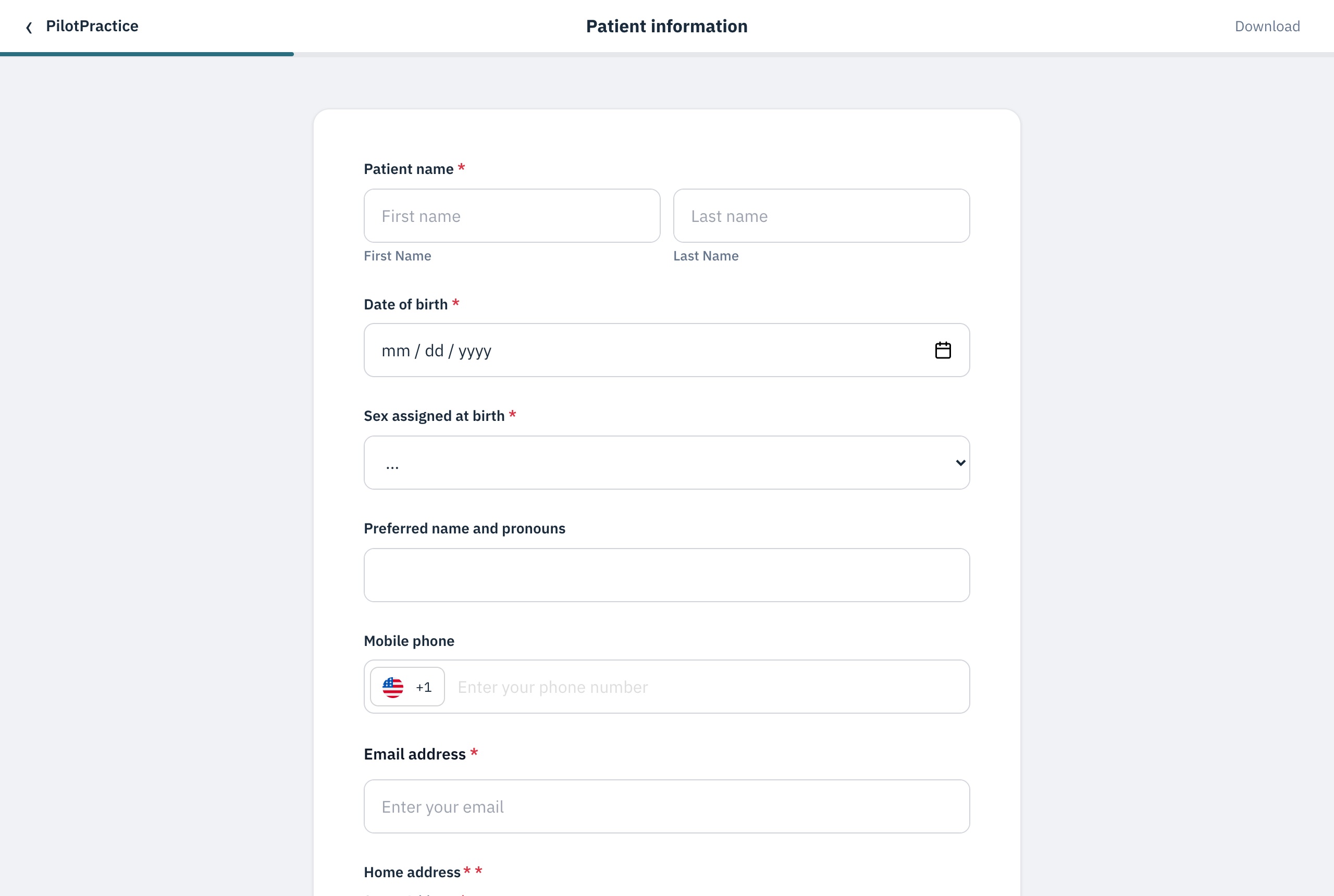
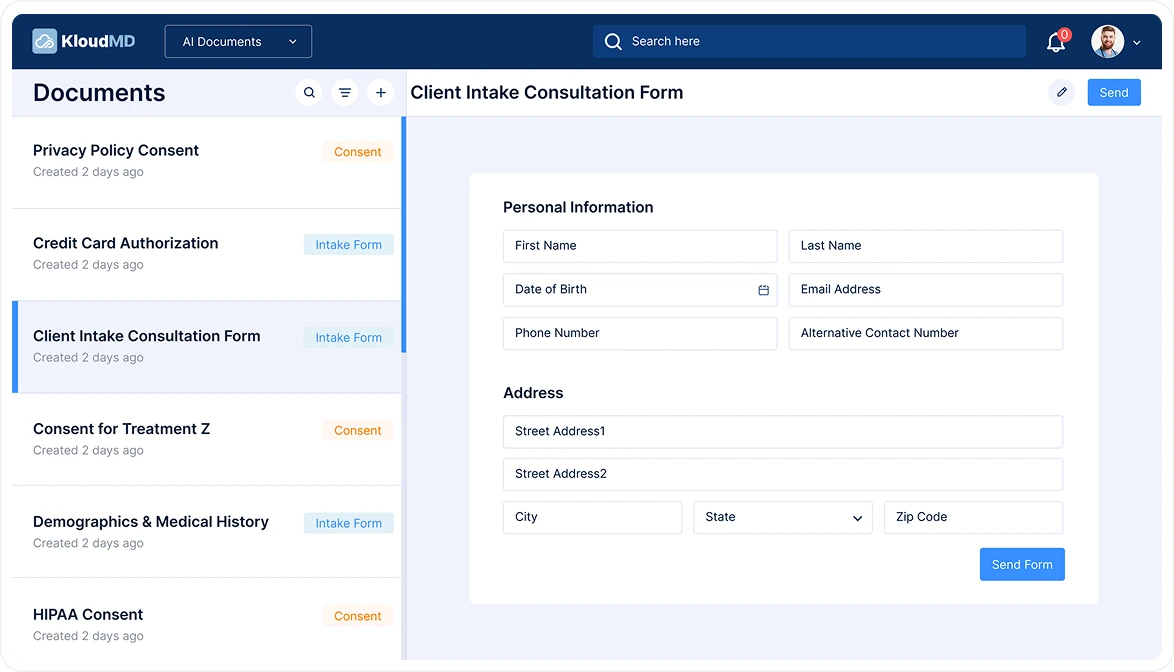
Build any intake, consent or payment form in our drag-and-drop builder, or start from 19 ready-made templates. Patients finish on their phone, and every entry is filed to the chart with a full audit trail.
Get startedStart from our library or build your own in the drag-and-drop builder. Try it: pick a form, add a field, add a rule. Your patients see exactly this on their phone.
Form library
Plus dental, chiropractic, PT, massage and minor-consent intakes, records release, photo consent, no-show policy and more. 19 ready-made forms in all.
Add a field
20+ field types in the builder, including tables, initials, ID cards and appointment details.
Add a rule
Questions and whole pages show or hide based on earlier answers, so patients only see what applies to them.
Assign the packet to that appointment type. It goes out with the confirmation, so patients arrive checked-in instead of clipboard-in-hand.
When the visit ends, the next packet can go out on its own — consents, instructions, follow-ups. Nobody chasing a PDF.
Build the exact intake, or describe it and let AI draft it. A different packet per service. Chain a form after the first one is signed.
Paper forms fail because someone has to remember to send them. KloudMD sends the right packet at the right moment — before the visit, and again after — without the front desk keeping a checklist.
Pre-visit intake is assigned to the service or appointment type and rides along with the confirmation. Post-appointment paperwork fires when the visit wraps, or from a workflow. Patients tap through on their phone. Completed entries land on the chart.
That is the same automation layer as reminders: the form is custom, the send is automatic.
The pre-visit packet goes out at booking. Post-appointment forms fire when you say they should.
Tap-friendly questions, e-signatures, photo uploads (insurance cards, IDs) — a few minutes on the couch, not the lobby.
Completed forms attach to the patient record and your team is notified. No scanning, no retyping.


Yes. Every entry is written to a HIPAA audit log when it is created, edited or deleted, signatures carry a timestamped sent, viewed and signed trail, and completed forms file straight to the chart instead of sitting in an inbox or on a clipboard.
Yes. Send us what you use today and we rebuild it digitally — or describe it and let the AI generator produce the first draft in minutes.
The front desk sees who's outstanding and can resend the link or hand the patient a tablet — their progress is saved either way.
Yes. Pre-visit intake is assigned to the appointment type. Post-appointment paperwork is a separate packet you trigger after the visit — or chain from a workflow.
Yes. Every page and question is editable. Most practices start from a template or an AI draft, then build the funnel they actually run — including a follow-up form after the first one is signed.